
Which graphics card is really worth it in 2026?
Which PC is right for you?

Fortnite, Minecraft & Dead by Daylight – Which PC is right for them?

Which CPU is right for you?
When buying a PC, the CPU is one of those components where it is easy to get lost in the numbers. More cores, more threads, higher clock speeds, higher model numbers—at first glance, it seems logical to simply opt for the more powerful model.
But that is often precisely the wrong approach.
After all, the best processor isn't automatically the most expensive one—nor is it the one with the most cores. What really matters is how you use your PC and how well the CPU fits the rest of the system.
Especially when it comes to gaming, a balanced system can deliver significantly better results than an overpowered processor. Office work, studies, and content creation, on the other hand, come with entirely different requirements. That is why, when choosing a CPU, it pays to look not just at the technical specifications, but first at your own daily routine.
What does the CPU actually do?
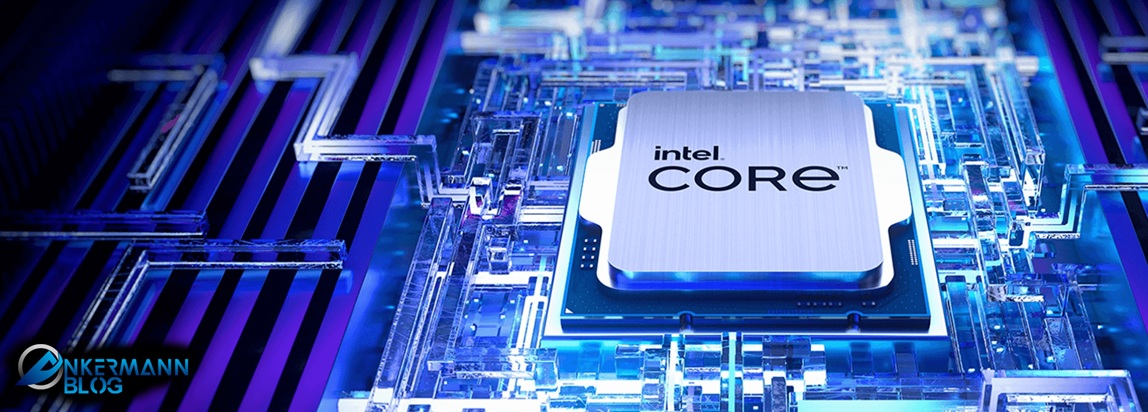
In gaming, it works closely with the graphics card. The CPU prepares data, while the GPU generates the image from it.
If the processor is too slow, it can slow down the graphics card. This creates a so-called bottleneck.
However, that doesn't mean you automatically need the most powerful CPU. After all, the opposite can also happen: you invest a lot of money in a processor, while the graphics card becomes the actual bottleneck.
That is precisely why the interplay of the components is so important.
When it comes to gaming, it’s not just the CPU that counts
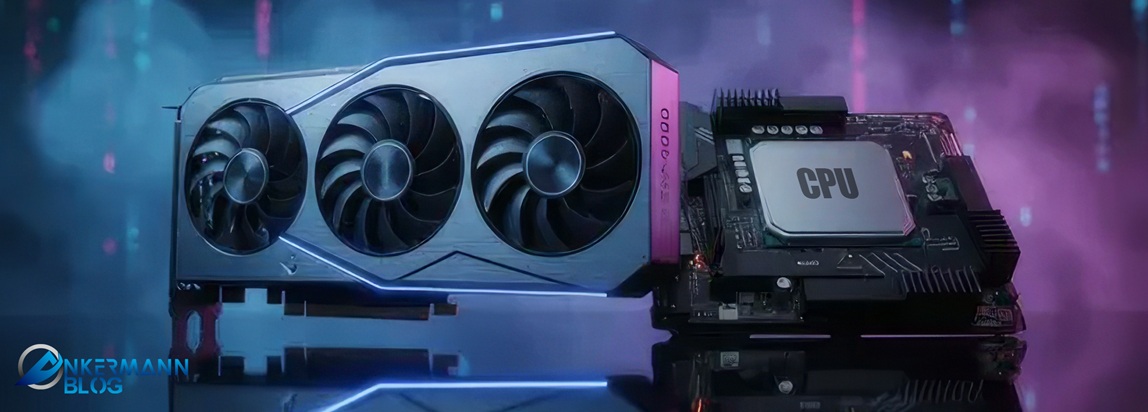
A modern six- or eight-core processor can already be perfectly adequate for many games.
The question of how you play is far more important.
Anyone gaming at Full HD resolution and aiming for very high frame rates can benefit significantly from a powerful CPU. Especially in competitive games like Counter-Strike, Valorant, or Fortnite, the processor has to perform a large number of calculations in a very short amount of time.
At 1440p, the load shifts more towards the graphics card.
And at 4K, the GPU is the primary factor determining the frame rate you achieve in many games.
That means:
The higher the resolution, the less sense it may make to sink a large portion of the budget into the CPU alone.
For a gaming PC, therefore, a good mid-range processor combined with a more powerful graphics card is often the better choice.
More cores are not automatically better
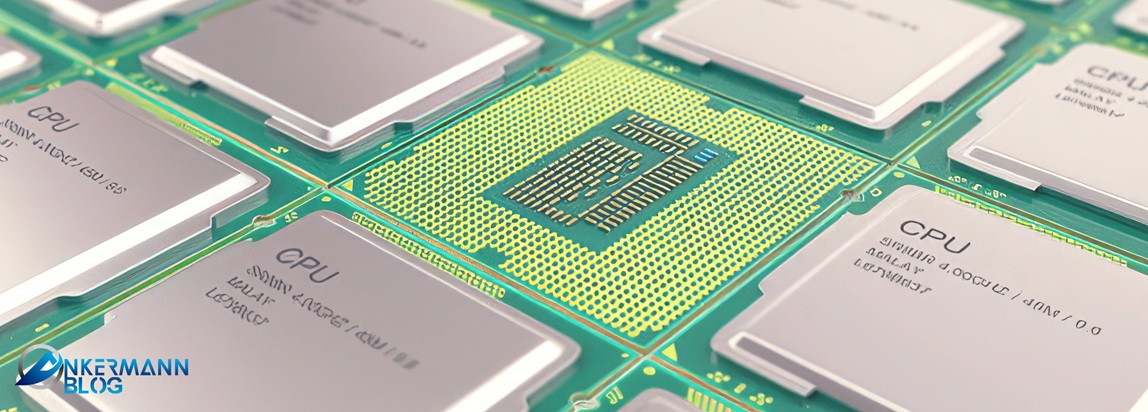
In general, having more cores can help handle multiple tasks simultaneously. This is particularly noticeable in rendering, video editing, and other computationally intensive applications.
It's a different story when it comes to gaming.
While games do benefit from multiple cores, there are limits to this. Architecture, clock speed, and cache also play important roles.
That is why an eight-core processor can be faster in games than a model with twelve or 16 cores.
This is precisely where AMD's X3D processors, for example, come into play.
Why cache is important for gaming
The cache is a type of particularly fast buffer memory located directly on the processor.
The more data that can be stored there, the less frequently the CPU needs to access the slower system memory.
For many games, this can make a significant difference.
That is why processors with additional 3D V-Cache are so interesting for gaming. They do not necessarily need to have the highest core count, yet they can still achieve very high gaming performance thanks to their large cache.
This clearly illustrates why you shouldn't choose CPUs based solely on model number or core count.
Ryzen 5, Ryzen 7 or Ryzen 9?
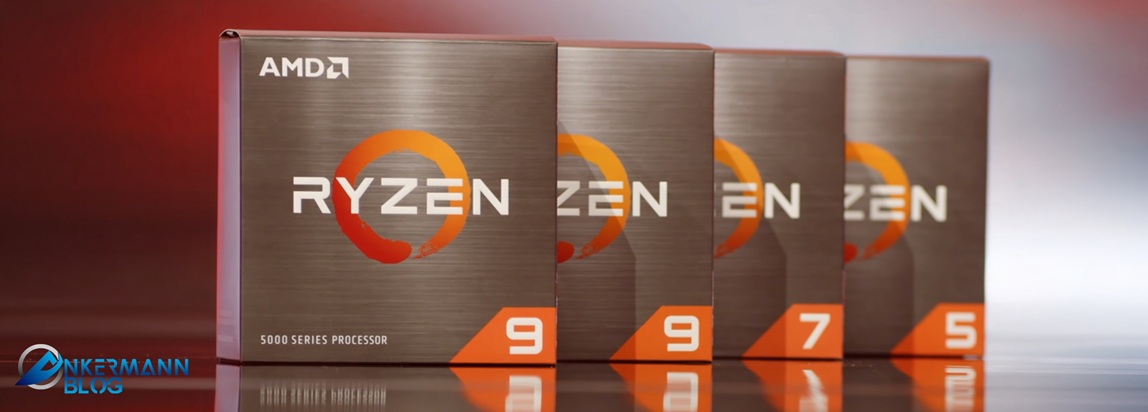
The Ryzen 5 can already be perfectly adequate for many gaming PCs. Modern models also offer more than enough performance for office work, everyday use, and university studies.
A Ryzen 7 offers extra headroom. This can be appealing if you do a lot of gaming, stream simultaneously, or generally use multiple demanding applications.
A Ryzen 9 becomes particularly appealing if your PC isn't intended solely for gaming. Rendering, video editing, 3D applications, and other highly parallelized programs can benefit significantly from the additional cores.
For pure gaming, however, the extra cost does not always make sense.
The same applies to Intel: Core Ultra 5, 7, and 9 represent different performance tiers. However, your choice should always depend on what you actually use the PC for.
Office work and studies often require less performance than expected
Not every PC has to be a gaming machine.
A modern mid-range processor is easily sufficient for Word, Excel, web browsing, video conferencing, and typical office tasks.
In this case, there is little point in investing an excessive amount of money in a high-end CPU.
Far more important are an overall smooth-running system, sufficient RAM, and a fast SSD.
For school and university students, too, the need depends heavily on the area of application.
Anyone who primarily conducts research, creates presentations, or attends online lectures does not need a particularly powerful processor.
However, anyone working with CAD, editing videos, programming, or using 3D applications should take a closer look. In these cases, additional cores and increased processing power can certainly be worthwhile.
That is why it is always worth taking a look at the programs you actually intend to use before making a purchase.
The CPU is only one part of the system
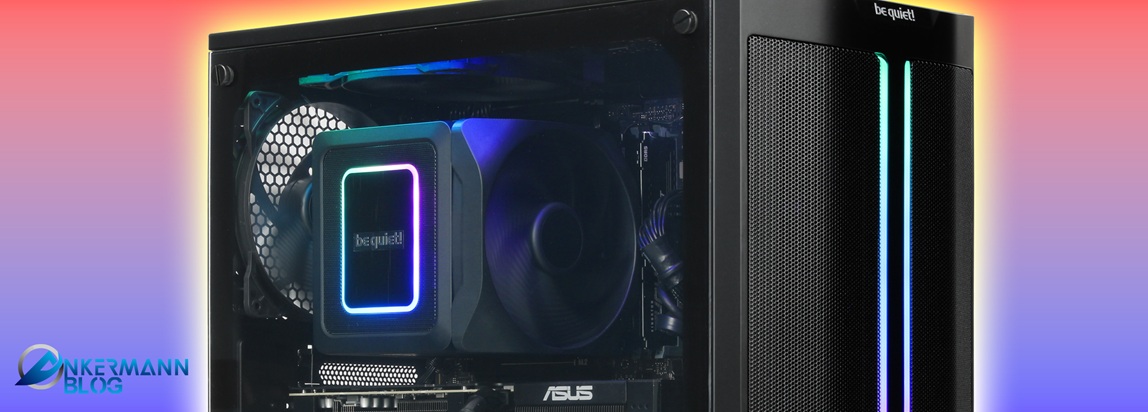
The motherboard, RAM, graphics card, SSD, and cooling system must also be compatible with one another.
Especially with high-performance CPUs, one should not underestimate the importance of cooling. In many cases, higher performance also means more heat.
Anyone who chooses a very powerful CPU and then skimp on the cooler may end up with an unnecessarily loud or hot system.
The motherboard is also part of the planning.
The processor doesn't just have to fit the socket; the platform also determines what upgrade options will be available later on.
If you want to use your PC for several years, it might make sense to consider—right when buying it—whether you might want to upgrade the CPU later.
When is a CPU upgrade really worth it?
New processors are released regularly. Even so, you don't have to upgrade to every generation.
An upgrade is worthwhile primarily if your current CPU is actually becoming a problem.
For example:
When your graphics card isn't being fully utilized, even though it actually has enough power.
When you no longer achieve the desired frame rate in games, despite having a good GPU.
Or when programs such as video editing, rendering, or other compute-intensive applications become significantly too slow.
If, on the other hand, your PC does everything you expect of it, there is no reason to upgrade simply because of a new generation.
The most important question is therefore always:
Are you actually lacking performance – or do you simply want something newer?
How to find the right CPU
.jpg?ts=1791799476 "CPU")
First, consider what you primarily use your PC for.
Next, decide on your total budget. Only then should you consider how much of that budget should actually go toward the CPU.
For a gaming PC, a balanced ratio between the CPU and the graphics card is worthwhile.
For office systems, a significantly smaller CPU is usually sufficient.
And anyone who regularly works with demanding applications can consciously opt for more cores and higher multi-core performance.
This way, you avoid spending money on services you don't actually use.
Conclusion: The right CPU must match your PC.
For processors, the following does not automatically apply:
More cores are better.
A higher model number is better.
And more expensive certainly doesn't automatically mean better.
A good processor is one that suits your intended use, your graphics card, and your budget.
For gaming, a well-chosen Ryzen 5 or Ryzen 7 can make more sense than a significantly more expensive high-end model. For office work, even less is often sufficient. Meanwhile, those who do a lot of rendering, video editing, or use other compute-intensive programs will benefit more from additional cores.
Ultimately, therefore, it is not about buying the most powerful CPU.
It's about finding the right CPU for your PC.
Do you want to build your own PC?
At ankermann.com, you can assemble your PC directly in the configurator and select components that match your requirements.
Whether it’s a gaming PC, an office computer, or a powerful all-rounder, you decide which CPU, graphics card, memory, and other components go into your system.
Configure yours now ankermann.com and build a PC tailored to your requirements.