
Which graphics card is really worth it in 2026?
Which PC is right for you?
Fortnite, Minecraft & Dead by Daylight – Which PC is right for them?

Ankermann Linux systems are now available
More and more users want an operating system that is fast, secure, and free of unnecessary bloat. This is precisely where Zorin OS comes in – a modern, elegant Linux distribution that makes switching easier than ever before. Whether on our desktop PCs or the Linux laptop: Zorin OS combines the stability of Linux with a familiar, user-friendly interface that impresses immediately. Anyone looking for a system that runs reliably, incurs no licensing costs, and offers maximum freedom will find the perfect alternative to classic Windows setups here.
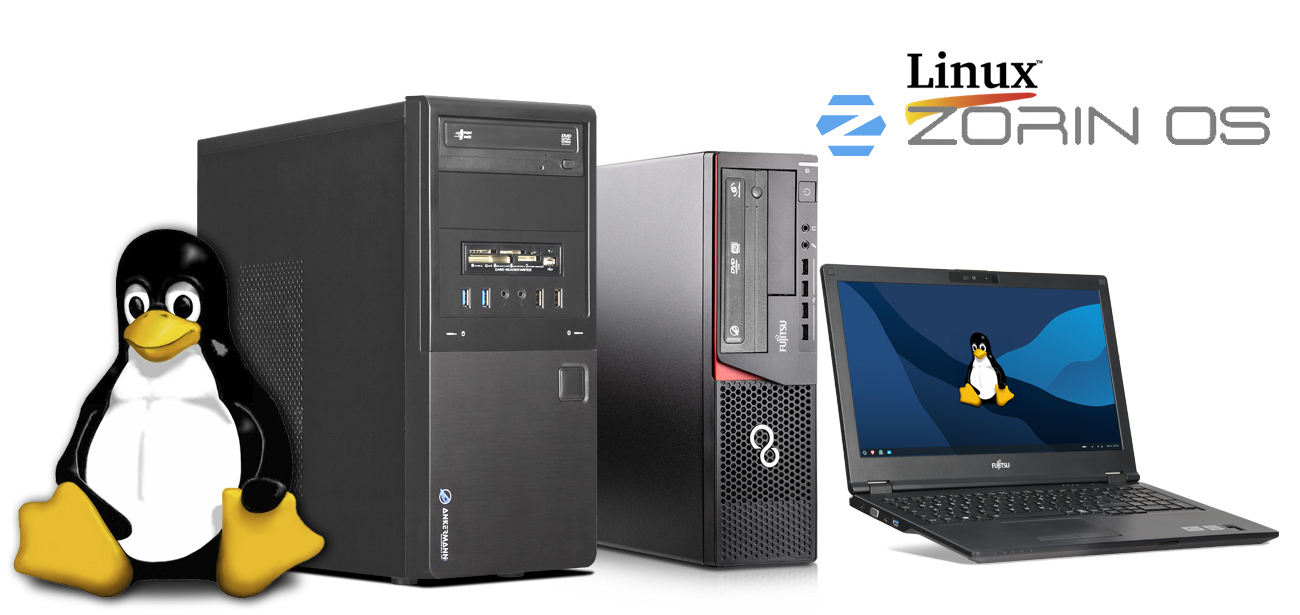
Advantages of Linux over Windows
Free to use No license fees, no activation, no hidden charges.
Very resource-efficient Runs smoothly on older or weaker systems, starts faster and uses less RAM.
High stability Linux systems often run for months without a restart and remain reliable even under load.
Increased security Less vulnerable to viruses and malware, thanks to package management and strict rights management.
Open Source Transparent code, a large community, fast bug fixes, and no telemetry surprises.
Software via package manager Programs can be installed and updated centrally, securely and cleanly.
High adaptability Interface, functions, workflows – everything can be customized as desired.
Ideal for developers & creatives Perfect for programming, server applications, containers, web development and many open-source tools.
Fewer background processes No forced updates, no bloatware, no system slowdowns.
Long lifespan Linux keeps older hardware usable and performant for longer.
.jpg?ts=1770885660 "Linux")
Customize your desktop to your liking
Zorin OS offers you an exceptionally flexible interface: You can not only choose between familiar Windows or macOS layouts, but also customize your desktop down to the last detail to suit your style. Colors, icons, panel positions, effects – everything can be freely adjusted so that your system looks and feels exactly the way you want it to.
_(1).jpg?ts=1770886161 "Linux")
The "Software" app in Zorin OS: Finding, installing, and managing programs has never been easier
Zorin OS makes switching to Linux particularly easy – and a large part of this user-friendliness lies in the "Software" application. It's the central gateway to thousands of programs, tools, and apps that can be installed with just a few clicks. All without complicated commands, without downloads from external websites, and without the risk of accidentally downloading malware.
The "Software" app works similarly to an app store, like those found on smartphones or modern operating systems. You open the application, enter what you need in the search bar at the top – such as "Office," "Browser," "Image Editor," or the name of a program – and immediately get relevant results. Each app is presented with a description, screenshots, ratings, and version information, so you know exactly what you're installing.
With a single click on "Install," the program is automatically downloaded, set up, and integrated into your system. Updates are also handled centrally via the "Software" app: You can see at a glance which applications are available for update and conveniently complete everything with a single click. This keeps your system clean, secure, and always up to date.
.jpg?ts=1770886729 "Linux")
.jpg?ts=1770886737 "Linux")
OnlyOffice in Zorin OS: Full-fledged office power without compromise
Anyone switching from Windows to Linux often asks themselves a key question: Can I still easily open and edit my familiar Office files? With OnlyOffice, which is seamlessly integrated into Zorin OS, the answer is a resounding yes – and just as conveniently as before.
OnlyOffice is a modern, powerful office suite that is visually and functionally similar to familiar programs like Word, Excel, and PowerPoint. This makes working with it feel immediately familiar, even for first-time Linux users. The user interface is clear, well-structured, and intuitive, allowing you to get started right away without a lengthy learning curve.
Particularly important: OnlyOffice supports all common office formats, including
- DOCX, DOC
- XLSX, XLS
- PPTX, PPT
- as well as open-source formats such as ODT, ODS and ODP.
Whether it's a text document, spreadsheet, or presentation – everything can be opened, edited, and saved without losing any formatting. This makes OnlyOffice a true alternative for anyone who wants to work productively without being tied to Windows.
Conclusion: A modern system that simply works.
Mit Zorin OS zeigen our Linux systems demonstrate just how uncomplicated and enjoyable computer work can be today. The flexible, customizable interface ensures that everyone can find their way around immediately – regardless of whether they prefer the look of Windows or macOS. Thanks to the "Software" app, programs can be installed quickly and securely, while OnlyOffice offers a full-fledged office suite that supports all common file formats. Together, this results in a powerful, stable, and resource-efficient system that requires no licensing fees and reliably delivers in everyday use. Anyone looking for a modern, secure, and user-friendly operating system will find our Zorin OS PCs and Linux laptops to be a compelling alternative to traditional Windows devices.