
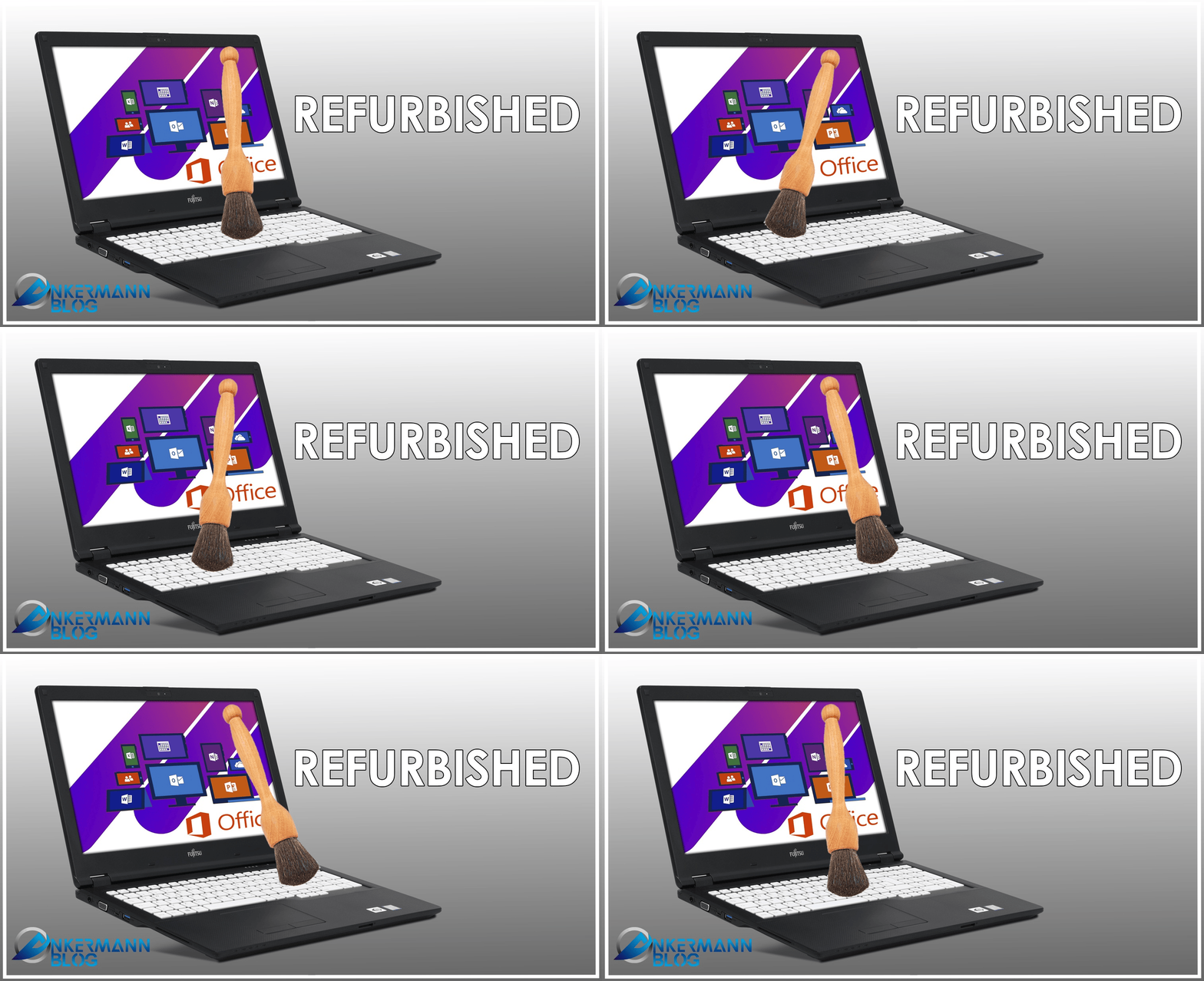
PC ricondizionati presso Ankermann
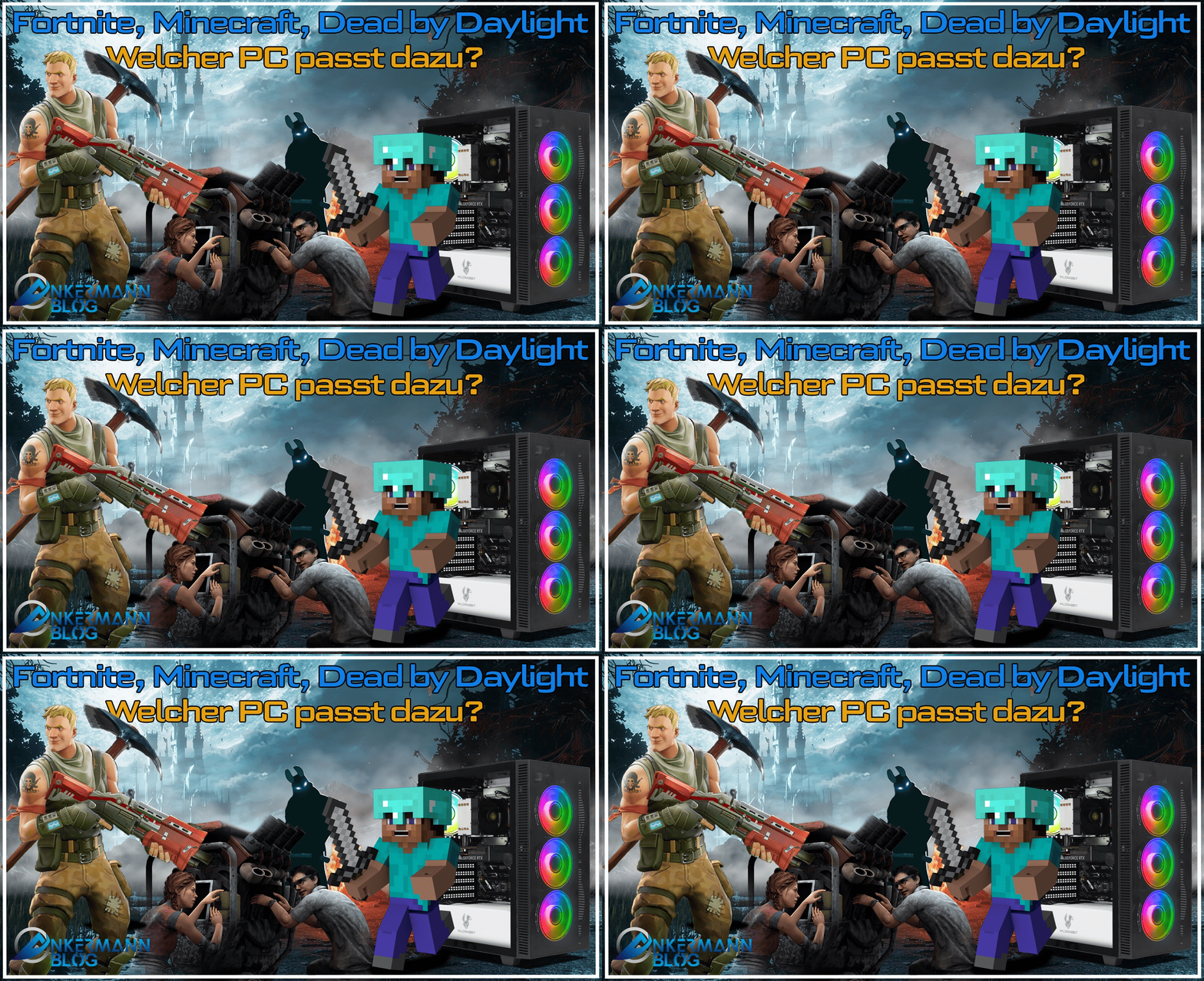
Fortnite, Minecraft e Dead by Daylight: quale PC è adatto a questi giochi?
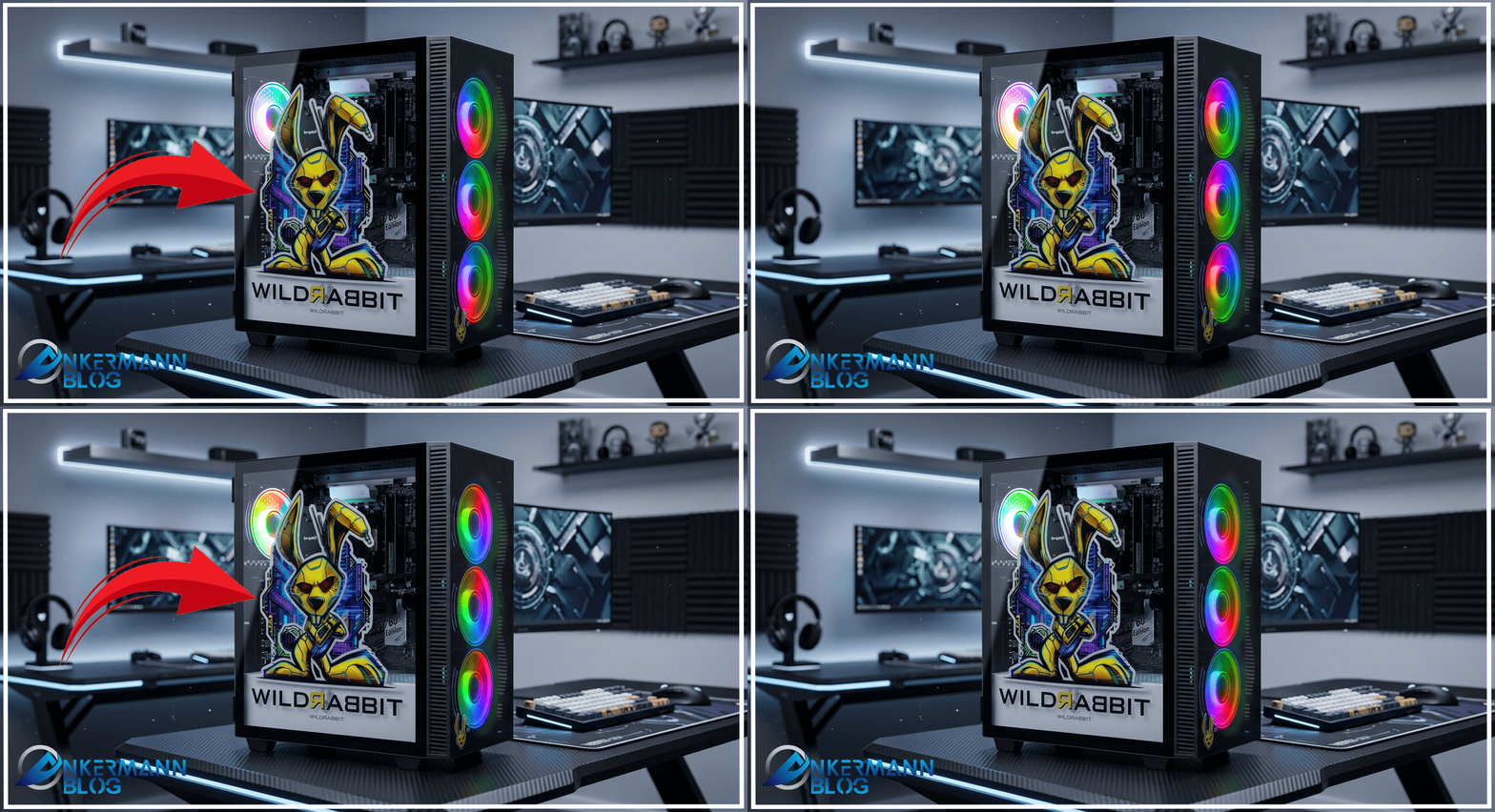
Il nuovo WildRabbit dal design unico!
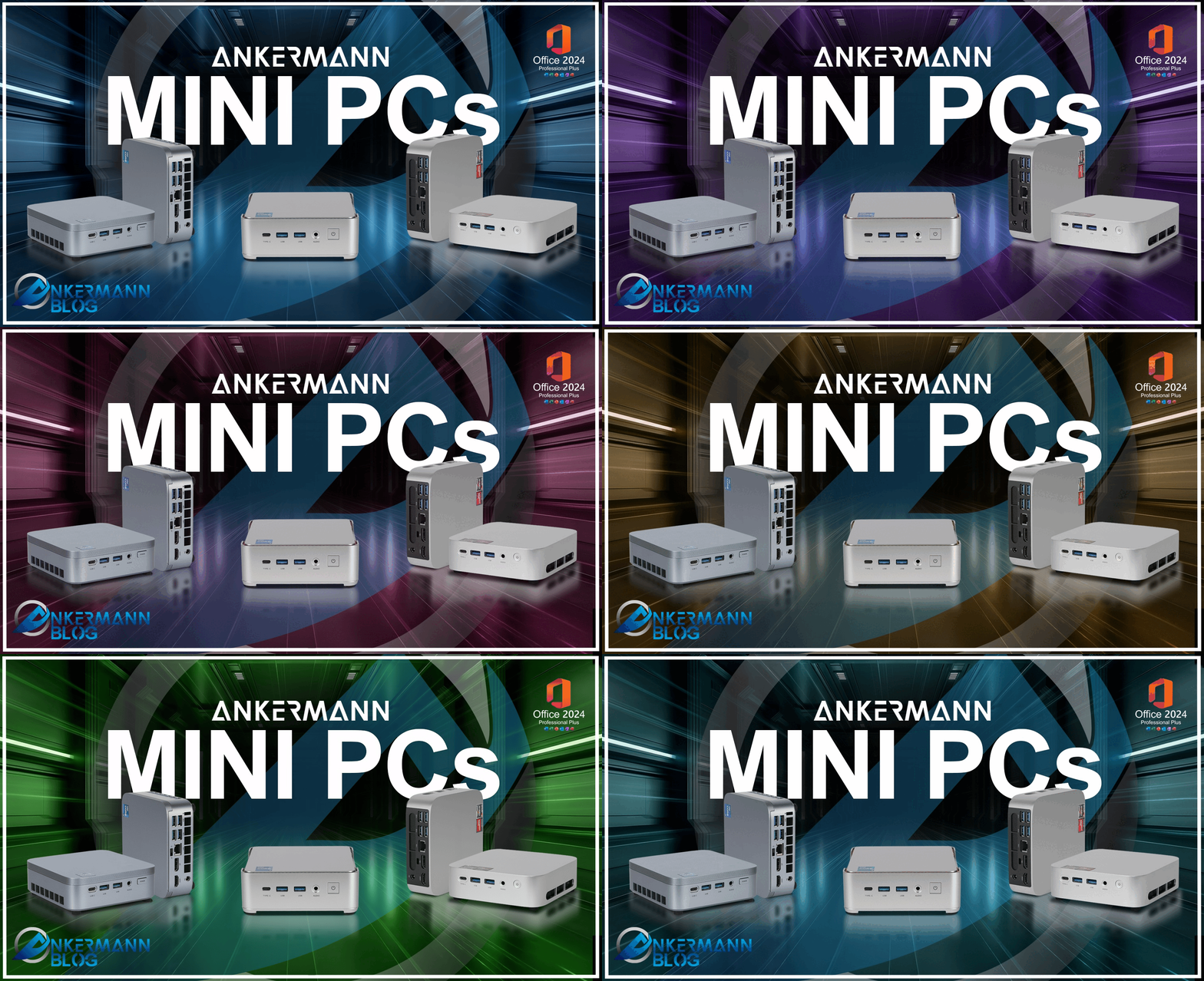
Prestazioni che si adattano a qualsiasi ambiente: i MINI PC
Prezzi elevati della memoria RAM
Which PC is right for you?
i5, i7, Ryzen 7, RTX, DDR5, AM5. When you’re looking for a computer, you’re immediately faced with a string of acronyms—and none of them tell you whether the device is right for you.
We take a different approach. Over the next few minutes, you’ll answer five questions. By the end, you’ll know exactly what you’re looking for and be able to read any spec sheet.
Question 1: What do you need the computer for?
Let's start with the question that determines everything else: What are you going to do with it?
Office and Everyday Life: Word, Excel, email, video conferencing, thirty browser tabs, streaming. These programs don't require massive computing power. They need sufficient RAM and a fast SSD. You don't need a dedicated graphics card for this.
Image and video editing: Photoshop, Lightroom, Premiere, DaVinci Resolve, CAD. Here, the processor is what counts—specifically one with many cores. You also need plenty of RAM. A graphics card makes a noticeable difference when rendering and exporting.
Gaming: Inverted weighting: The graphics card determines how smoothly your game runs and at what resolution. The processor needs to be decent, but it isn't the star of the show.
Everything together. The most common scenario: a bit of office work, some gaming, and the occasional editing of vacation videos. Solid mid-range options are available for this—and they cost less than most people think.
Remember one thing: a computer that does everything equally well is expensive and usually unnecessary. The best value-for-money purchase is the one that suits your usage.
Question 2: Notebook or tower?
Second question: Does the device have to come along? 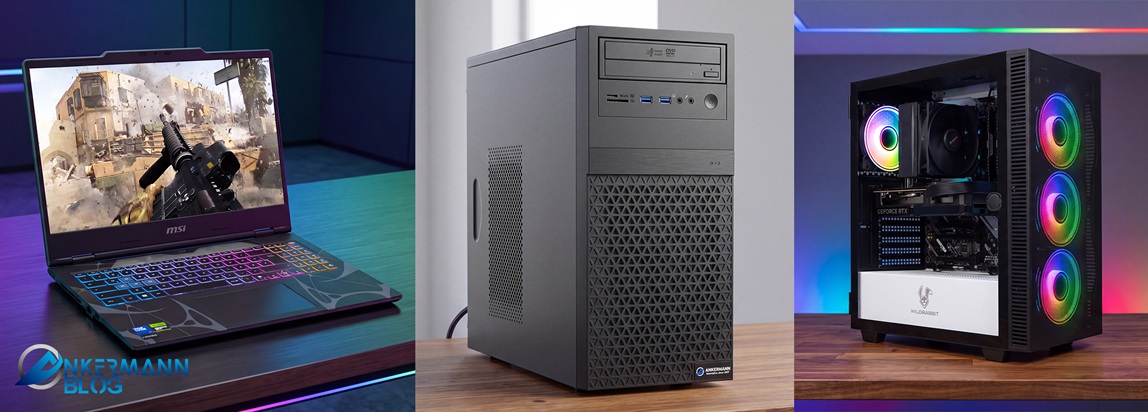
A notebook is a compromise, and that is not a criticism. You get a screen, keyboard, and battery all in one unit, allowing you to work on the sofa, on the train, or at a client's site. The trade-off is that you pay more for the same performance compared to a desktop tower, components run slightly slower due to heat constraints, and future upgrades are limited to RAM and the SSD—or sometimes not even those.
For the same budget, A tower gives you more performance, runs quieter, doesn't get as hot, and can be upgraded years later. The trade-off is that it stays where you put it.
An interim solution if your desk is small: A Mini-PC. It fits behind the monitor, is perfectly adequate for office use, and consumes very little power.
Question 3: The processor
The processor is your device's computing hub. Two manufacturers share the market: Intel and AMD. Both make good processors. The decision rarely comes down to the name, but rather to the class, generation, and price. 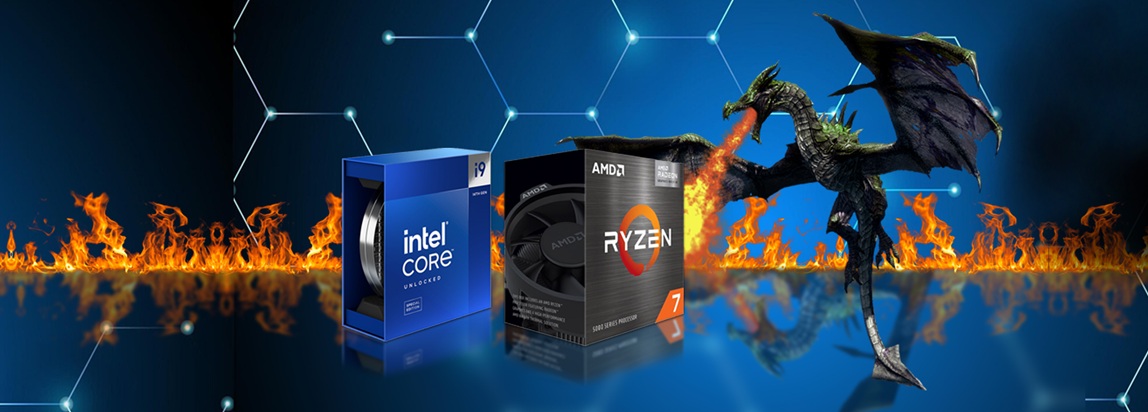
At Intel, the classes are named Core i3, i5, i7, and i9. At AMD, they are Ryzen 3, 5, 7, and 9. For both, the numbers mean the same thing:
i3 and Ryzen 3: Office work, the Internet, office applications. It’s enough for what most people turn on a computer to do.
i5 and Ryzen 5: The middle ground. Office work plus gaming plus occasional video editing. The right choice for most customers.
i7 and Ryzen 7: For people who render, work on large projects, or engage in demanding gaming.
i9 and Ryzen 9: Professionals who earn money with computers and wait for computing time.
An i7 won't make Excel run faster. It speeds up video exporting. If you don't export videos, save the money and put it into RAM or a larger SSD instead.
The Generation
The generation is listed alongside the class. For Intel, the numbering ran from the 8th generation through the 14th generation over the years; subsequently, Intel switched to the "Core Ultra" naming scheme. With AMD, you can tell the age by the thousands digit: Ryzen 5000 is older than Ryzen 7000, while Ryzen 9000 is the newer family.
Good for your wallet: An older-generation processor is significantly cheaper than a current one, yet you won't notice the difference in everyday office work. A 12th-generation i5 handles spreadsheets just as reliably as a modern model. You can find these devices in our "Refurbished" category and special offers section; they come tested and cleaned, with a fresh operating system and a warranty.
If, on the other hand, you do a lot of heavy computing or plan to use the device for five years, the newer generation is worth it. It is more energy-efficient for the same level of performance, and you will have access to spare parts and drivers for longer.
The platform at AMD
With AMD, you’ll come across two acronyms: AM4 and AM5. These refer to the socket—the mounting interface on the motherboard.
AM4 is the older, highly mature platform supporting Ryzen processors up to the 5000 series. It is affordable, reliable, and a good choice for office use and entry-level gaming.
AM5 is the current platform, starting with the Ryzen 7000 series. It is more expensive, but it allows you to install a newer processor in a few years without having to replace everything.
A letter that often leads to phone calls
This is a detail we explain in our support department almost every week: if an Intel processor has an "F" at the end—such as the i5-12400F—it does not have an integrated graphics unit. For AMD, this applies to models like the Ryzen 5 5500 and others with an "F" suffix.
For you, this means: A computer like this always has a dedicated graphics card, and your monitor cable needs to be plugged into that card—located at the bottom of the case—rather than the ports on the motherboard. If you plug it in at the top, the screen will remain black. The device isn't broken; the cable is simply plugged into the wrong place.
Question 4: The graphics card
Here, too, there are two manufacturers: NVIDIA with the GeForce series and AMD with the Radeon series. .jpg?ts=1789102621 "Welcher PC passt zu mir")
First, the honest answer for most viewers: If you don't game or edit videos, you don't need one. The processor's integrated graphics can drive two monitors, play 4K video, and handle Teams calls. A dedicated graphics card costs money, consumes power, and generates noise.
Once you start playing, the graphics card determines almost everything. Then, your monitor's resolution sets the direction:
Full HD, 1920 × 1080: entry-level and mid-range cards suffice.
WQHD, 2560 × 1440: upper mid-range.
4K: high-end cards.
Don't buy a 4K graphics card for a Full HD monitor. That money is better spent on the monitor.
Regarding the differences between the manufacturers—briefly and without brand partisanship: NVIDIA leads in ray tracing and image upscaling and is preferred by many video editing programs and AI applications. For the same price, AMD often provides more onboard memory, which helps with high resolutions and large textures. Both manufacturers regularly release drivers for their current cards.
One specification to look out for is graphics memory, or VRAM. Modern games running at high settings and video editing software tend to benefit from having more of it. When comparing otherwise identical cards, the version with more memory is the more future-proof choice.
Question 5: RAM
System memory—or RAM for short—is your computer's workbench. The larger it is, the more things you can have open at once without everything becoming sluggish. 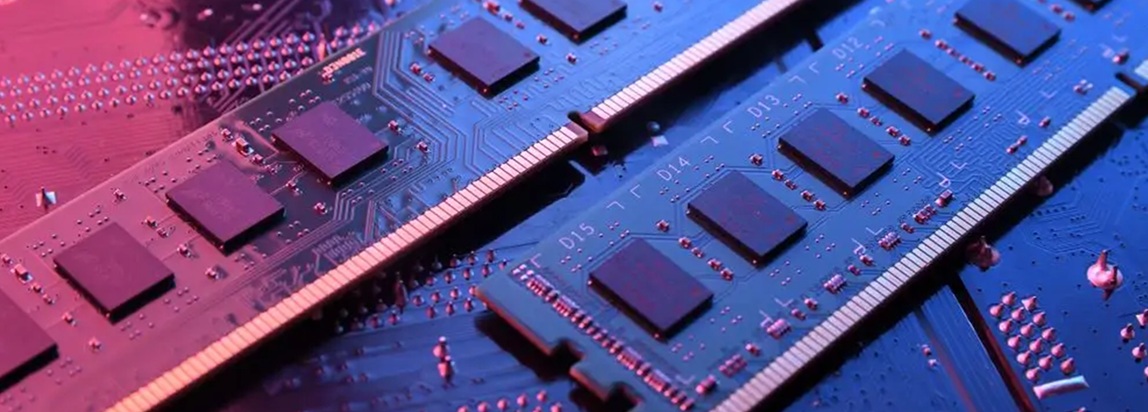
As a rule of thumb for today:
8 GB: Lower limit. Only for basic office work and individual programs.
16 GB: The sensible standard for office work, everyday use, and most games.
32 GB: Image editing, video editing, many programs in parallel, demanding gaming.
64 GB and more: large-scale video projects, CAD, virtual machines.
Then there are DDR4 and DDR5. DDR5 is the newer, faster type. And here is the point you should remember: You cannot simply choose whichever one you want. The processor and motherboard determine which type fits your device.
AMD’s AM4 systems use DDR4, while AM5 systems use DDR5. With Intel, it depends on the generation and the motherboard: older systems run on DDR4, whereas current ones use DDR5. The two types are not physically interchangeable—which is a good thing, as it prevents you from plugging the wrong one in during an upgrade. You simply need to know which type you have when buying replacements, and that information can be found in your data sheet.
In practical terms, this means: DDR4 is affordable today and perfectly adequate for office and mid-range systems. DDR5 is part of new systems and offers particular benefits when paired with modern processors.
Upgradability
One last point—and one that will save you a lot of money in two years: can the device grow with the child?
When it comes to a tower, you look at four things:
Available storage spaces. If two of the four RAM slots are occupied, you can double the memory later without having to throw anything away.
Available M.2 slots. I'll put a second SSD in later, when the photos eat up all the space.
The power supply unit. Having some headroom in terms of wattage means you can install a more powerful graphics card later without replacing the power supply.
The base. With a modern platform like AM5, you can install a newer processor a few years down the line. With a platform that is being phased out, you are stuck with the final model.
The calculation is different for laptops. While RAM and SSDs can be swapped out on some models, the processor and graphics card are permanently installed. The advice, therefore, is this: with a laptop, it is better to opt for a higher-spec model right from the start, whereas with a tower PC, you can comfortably begin with a more modest configuration.
Summary
use | processor | Graphics card | RAM |
Office, Internet, Office Software | i3 / i5 or Ryzen 3 / 5 | none needed | 16 GB |
Photo, Video, CAD | i7 / i9 or Ryzen 7 / 9 | Mid-range and up | 32 bis 64 GB |
Gaming Full HD | i5 or Ryzen 5 | Entry-level to mid-range | 16 GB |
Gaming WQHD / 4K | i5 / i7 or Ryzen 5 / 7 | upper-medium segment and above | 32 GB |
A little bit of everything | i5 or Ryzen 5 | Mid-range | 16 bis 32 GB |
With every device, you get a genuine German Windows license, a 24-month warranty, and a system we have tested before shipping. No trial subscriptions, no pre-installed bloatware.
With every device, you get a genuine German Windows license, a 24-month warranty, and a system we have tested before shipping. No trial subscriptions, no pre-installed bloatware.
Ankermann Computer e.K.
support@ankermann.com
07641 – 934 083 0 (Mo–Fr 09:00–12:00 Uhr)
www.ankermann.com